Invite Users
Click on to invite your team members to join Proactly
 to invite your team members to join Proactly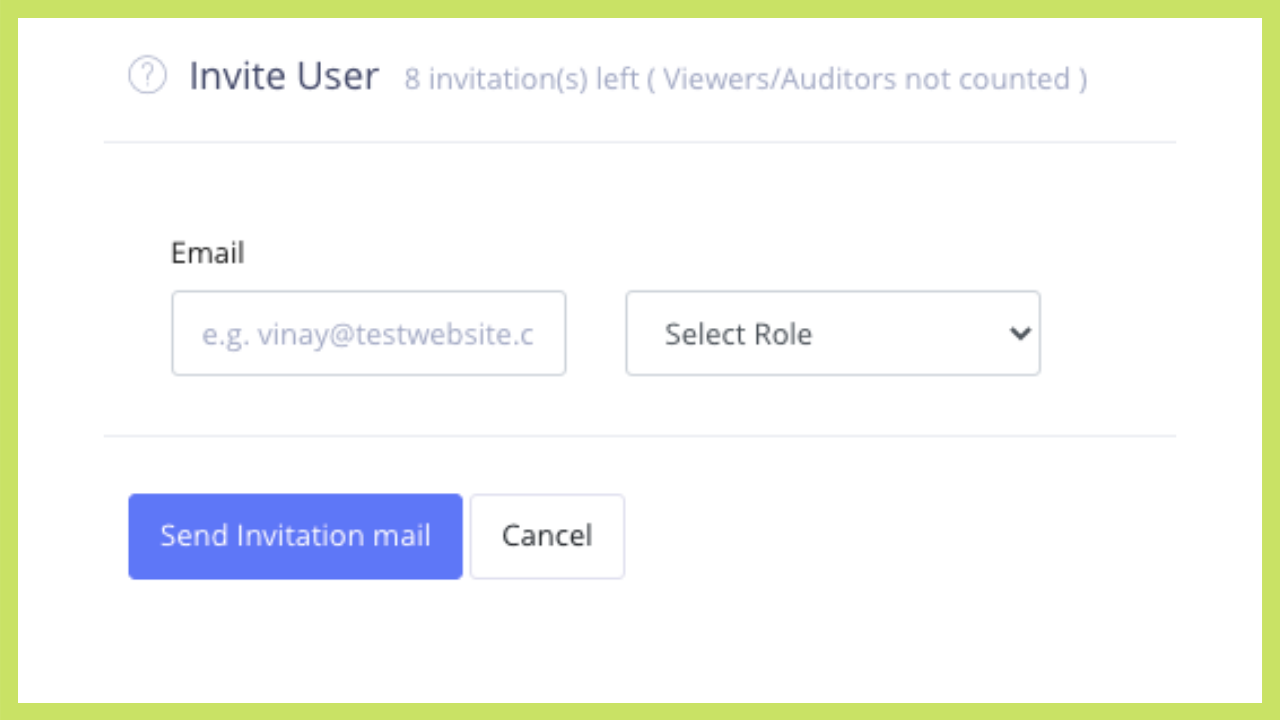
Various Roles
| Role | Purpose | Menu Access |
| Administrator | Has to set up masters, invite users and assign compliances. There can be multiple administrators An Admin can do all the tasks for a maker /checker |
Each and every option |
| Maker | Responsible for completing a compliance and upload evidence A make can only complete a compliance |
Upload Compliances Monitor Compliances |
| Checker | Responsible for viewing and approving compliance completed by makers A checker can also work as maker |
Upload Compliances Monitor Compliances |
| Viewer | Person interesting in monitoring compliances | Monitor Compliances |
| Auditor | External auditor who has to go through compliance details and evidences to prepare audit report | Audit Compliances |
- Invitations Left : When you subscribe to Proactly, you get a number of users who can be invited. This count shows how many users you can still invite
- Once you invite a user, the count is reduced by one. However the count is not reduced for "Viewers/Auditors", who have only access to Dashboard and nothing else.
- Invite a user by entering his/her email ID. An invitation will be sent to that email ID.
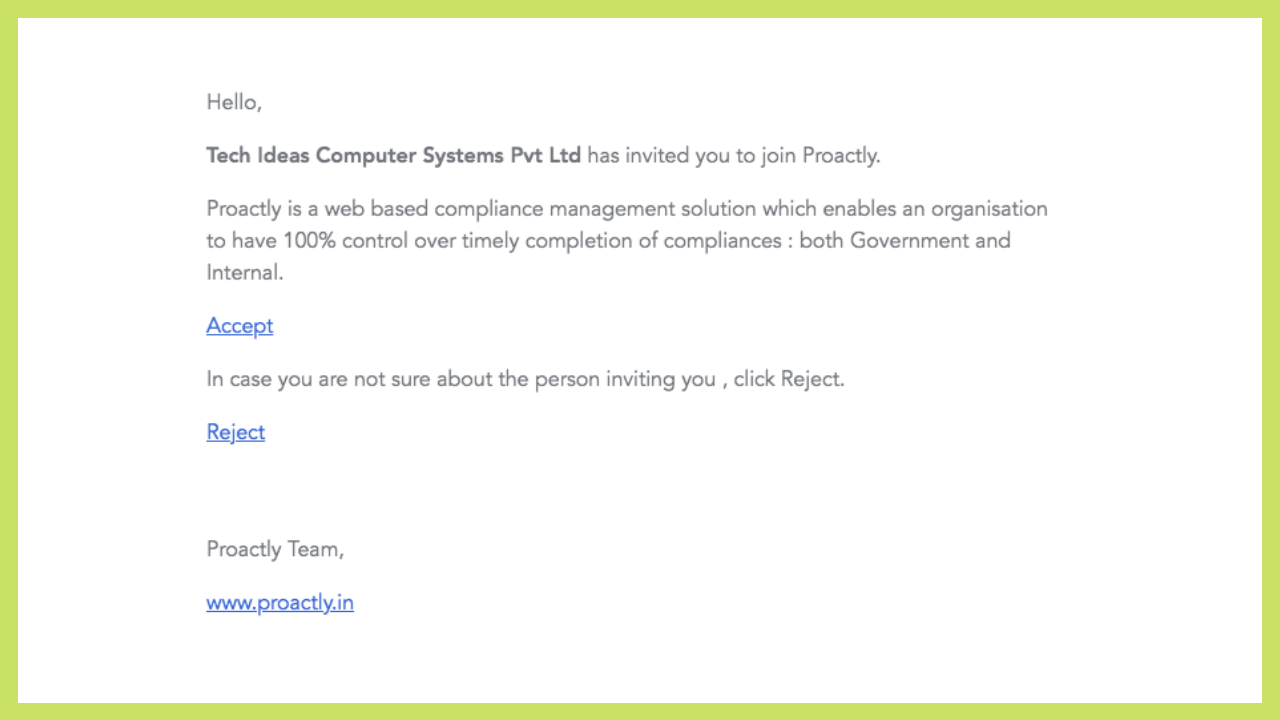
The invited person has to accept the invitation and sign up with Proactly by entering few details.
You will be able to view the status of invited person in the table
Re-send Invitation
In case the status of invited user shows "invitation pending" , you can re-send invitation, in which case the email is again sent to the person
Revoke Invitation
In case you want to cancel the invitation , try Revoke Invitation option. Once you revoke the invitation, the count of invitation left is increased by one.